Getting Started with Zoom

Road Scholar Online Programs
To help you prepare for your Road Scholar online program, we've provided tips and links for getting started with Zoom.



Preparing For Your Online Lecture
Zoom Webinar Best Practices & Troubleshooting
Road Scholar Online Lectures use Zoom Webinar technology. This platform allows viewers to see and hear the presenter and moderator. Attendees will always be off camera and muted.
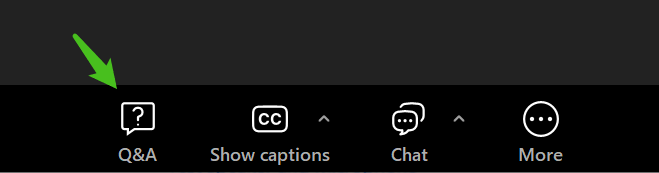
During the lecture, attendees can submit questions using the Q&A button on the Zoom toolbar.
Please note that the chat feature is disabled for attendees; only hosts can send information to attendees via chat.
Unless otherwise noted, all registered participants will receive a recording to watch within two weeks following the live event.
When you first join one of our lectures, you'll enter the Zoom waiting room.
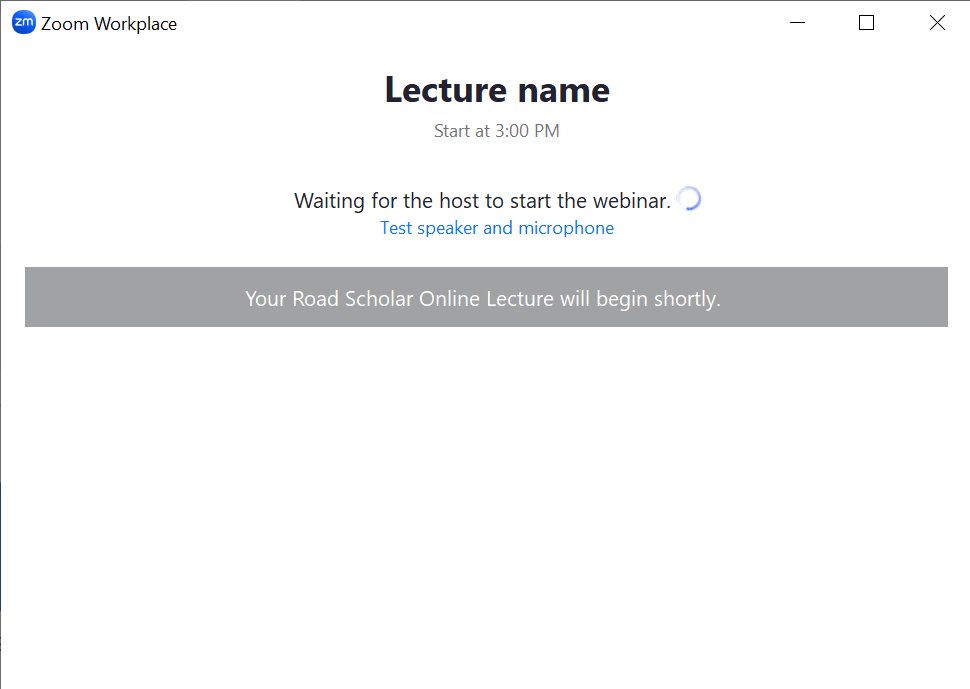
Once the lecture begins, you’ll see the presenter’s screen and their video.

Zoom Toolbar Features
The Zoom toolbar allows you to submit questions for Q&A, enable Closed Captions, and see chat messages from the host.
The Zoom toolbar is located at the bottom of the Zoom application.
Q&A
Use this to submit questions to the presenter.
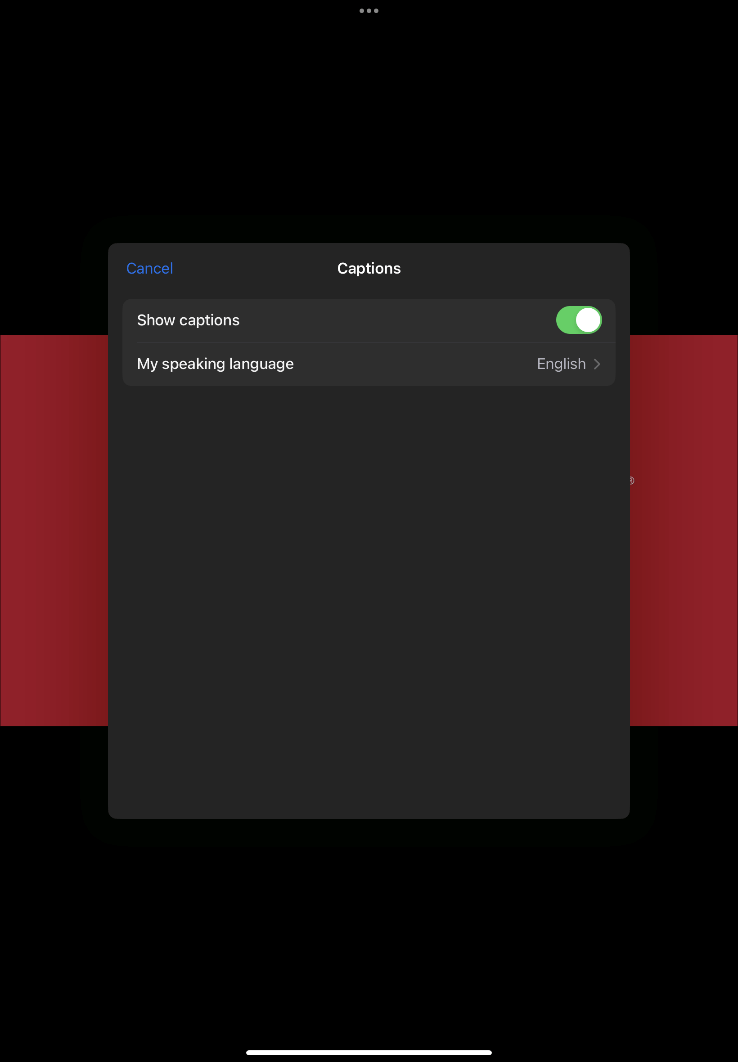
Closed Captions
Use this to turn on/off and adjust the size of the captions. The captions are auto-generated using automatic speech recognition technology and therefore may include errors.

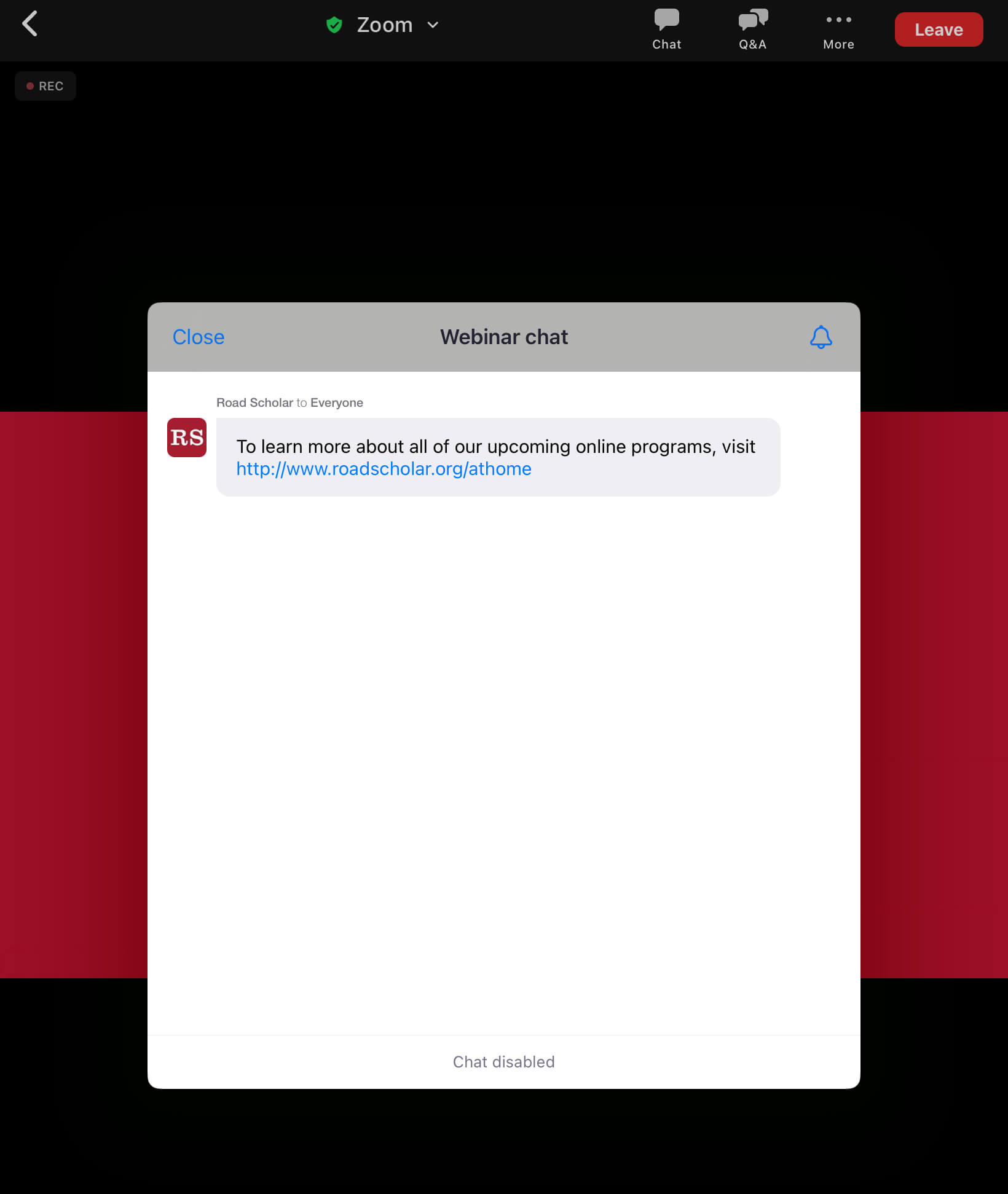
Chat
Use this to view chat messages sent from hosts. For online lectures, attendees do not have the option to send chat messages; only hosts can send information to attendees via chat.
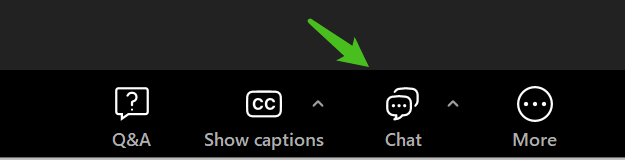
The Zoom toolbar is located at the bottom of the Zoom application.
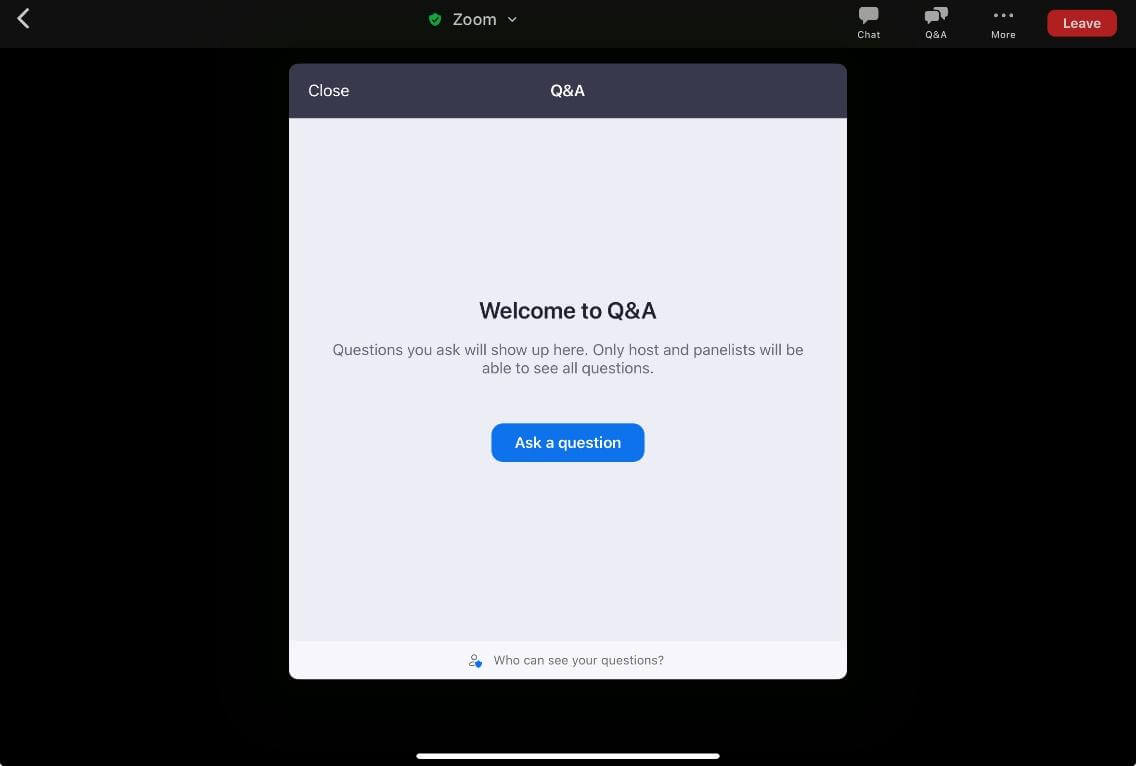
Tip: Can't see the toolbar? Tap anywhere in the window and the toolbar will appear.
Q&A
Use this to submit questions to the presenter.
Closed Captions
Use this to turn on/off and adjust the size of the captions. The captions are auto-generated using automatic speech recognition technology and therefore may include errors.

Chat
Use this to view chat messages sent from hosts. For online lectures, attendees do not have the option to send chat messages; only hosts can send information to attendees via chat.

*As a reminder, unless otherwise noted, all those who register for an online lecture will receive a recording to watch within two weeks following the live event. If you have technical issues you’re unable to resolve, keep an eye on your email for the recording of the lecture. This is sent within a day or two of the live lecture date.
- If you cannot hear any sound, you may need to adjust your audio settings or your internet connection may be unstable.
- What to do if you get disconnected in the middle of a webinar.
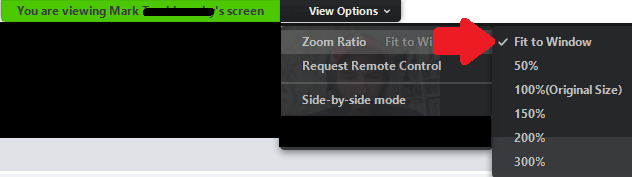
You can click the link from your email to rejoin the webinar at any time. - If the presenter’s slides are cut off or seem too small, you may need to adjust your screen’s zoom ratio. Look for the “View Options” tab at the top of your screen and click on it; then adjust your “Zoom Ratio” to one of the options available.
Preparing For Your Online Adventure
Road Scholar Adventures Online multi-day programs use Zoom Meeting technology. This platform is designed for interactive and collaborative sessions, allowing all participants to turn on and off their video and audio, use the chat function and actively engage with each other, the Group Leader and the program presenters.
These programs are presented live and are not recorded.
Zoom Meeting Best Practices & Troubleshooting
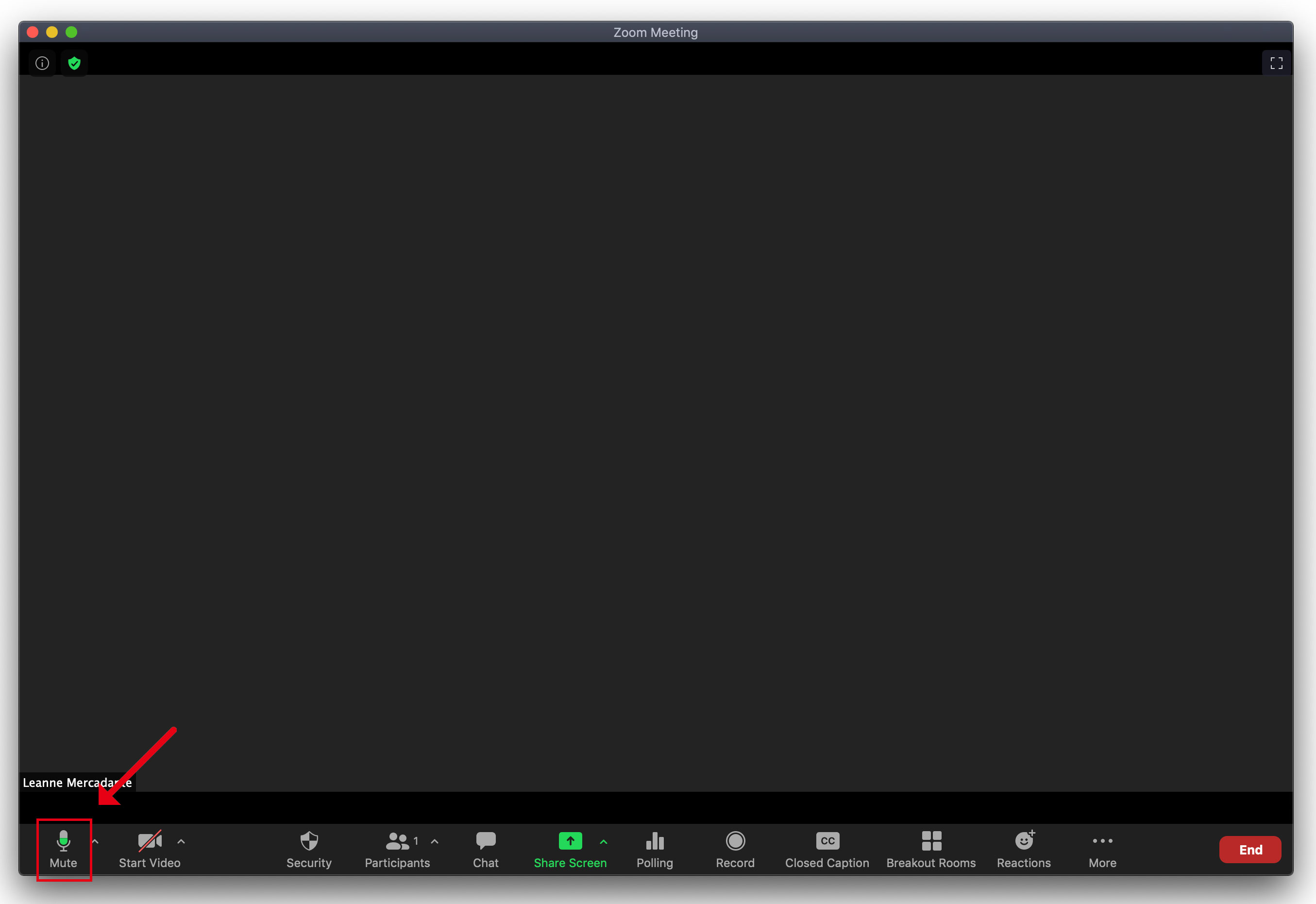
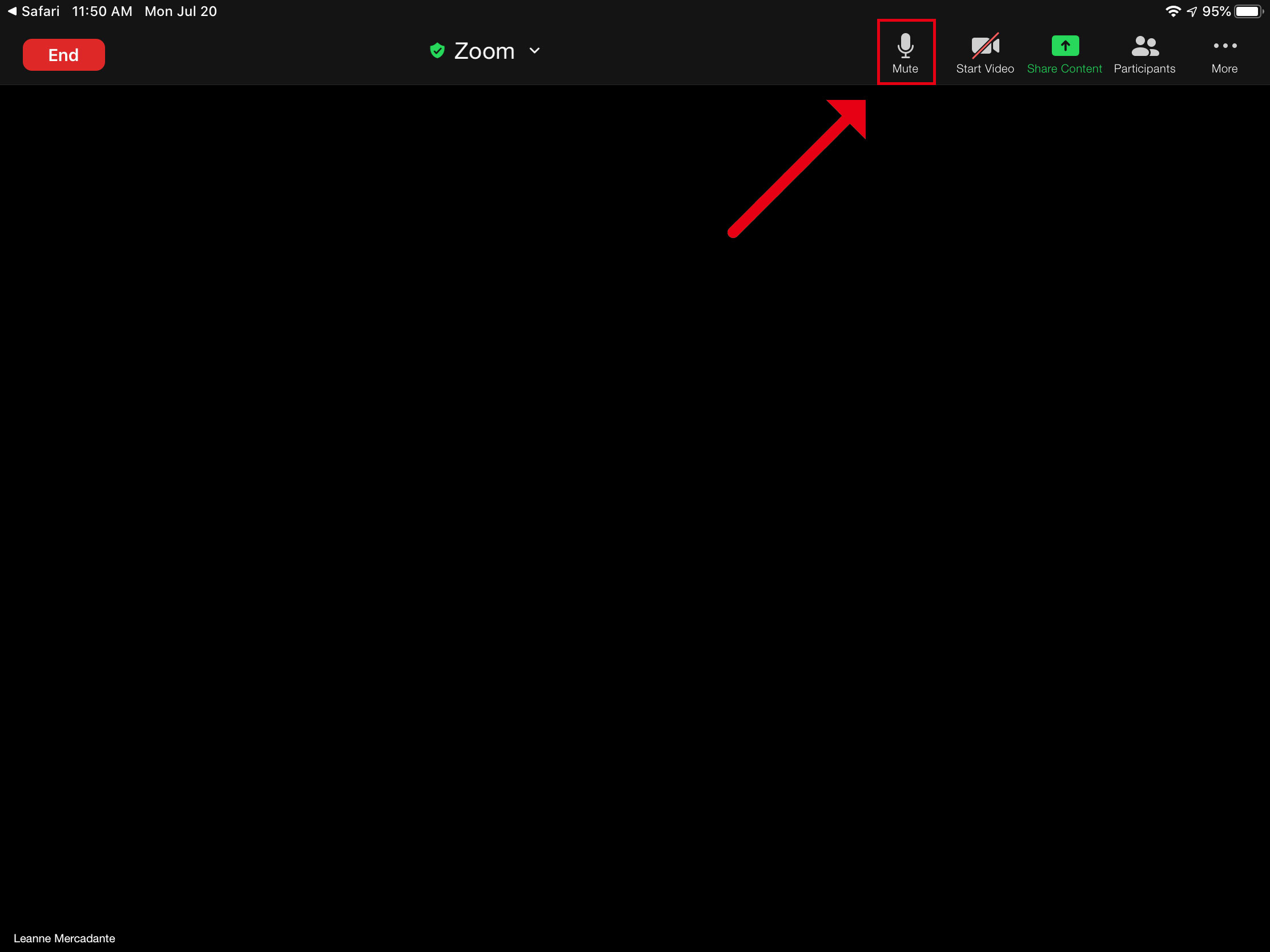
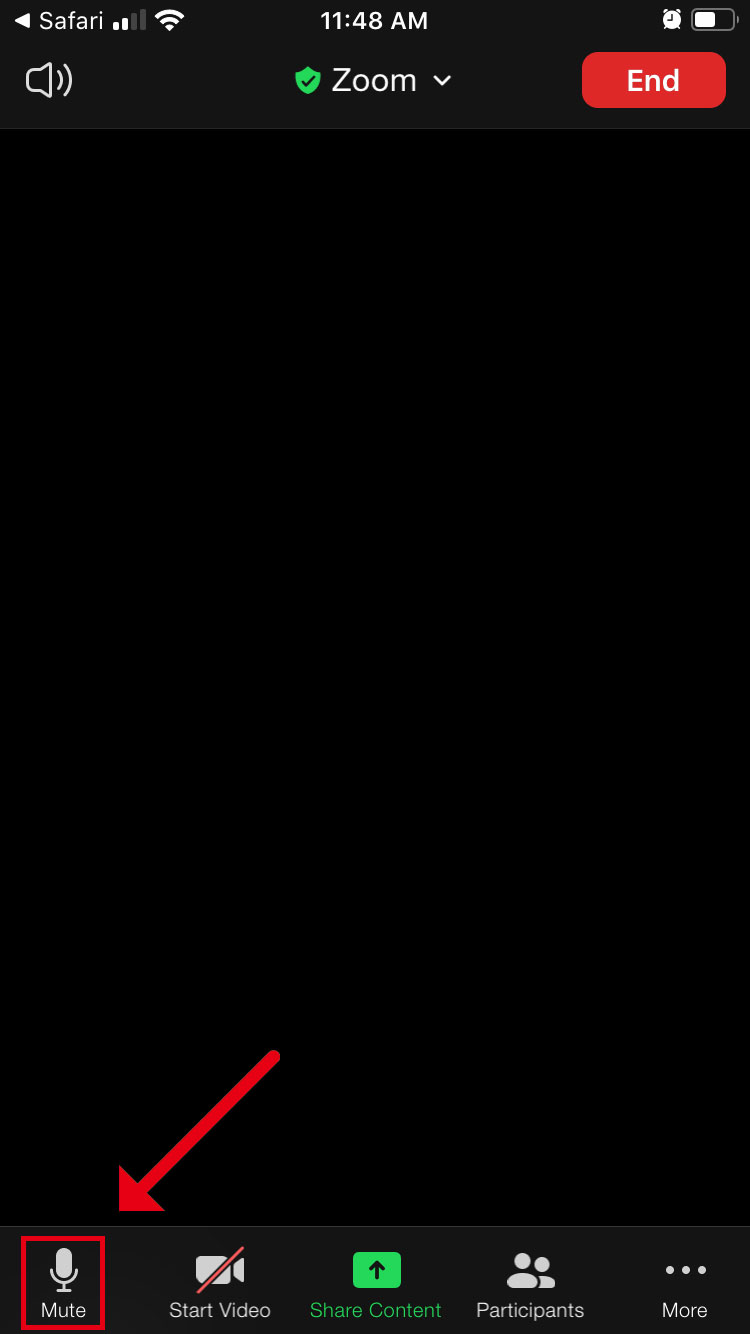
For the enjoyment of all, we recommend that you mute your microphone if you are not speaking. You can find the audio controls in the Tool panel of your Zoom application.
When muted, a red bar will appear across the top of the icon indicating that your microphone is off.
The mute button will be found on the bottom left of the Zoom application.
The Mute button will be found on the top right of the Zoom application.
Tip: Can't see the Tool panel? Tap anywhere in the window and the panel will appear.
The mute button will be found on the bottom left of the Zoom application.
Tip: Can't see the Tool panel? Tap anywhere in the window and the panel will appear.
Haven't enrolled yet?
Browse our adventures online and online lectures here